Know what every machine earns.
Track every machine, every service visit and every dollar, work out commission in seconds, score new locations, and win them with a ready-made pitch and placement agreement. One kit that opens on your phone and your computer.
Sales and the current price always show on Etsy at checkout.
See every screen below, or try the demo with sample data first.
- No app to install, no account, no subscription
- Your logo and colors on every pitch sheet and document
- Comes with sample data, so you can look around first
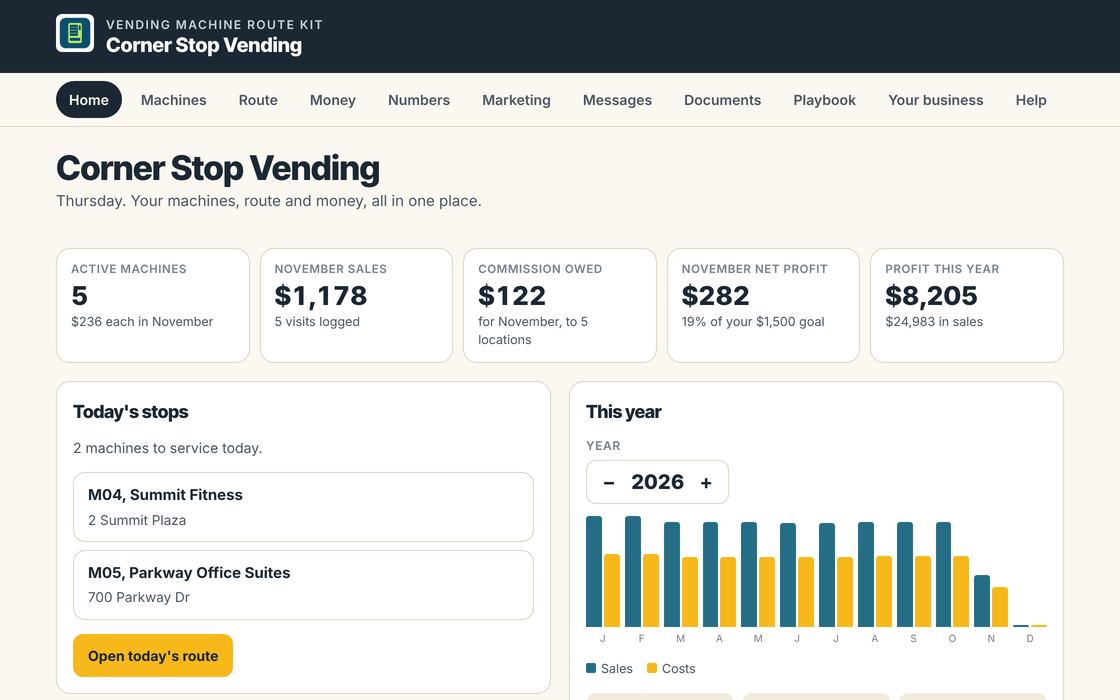
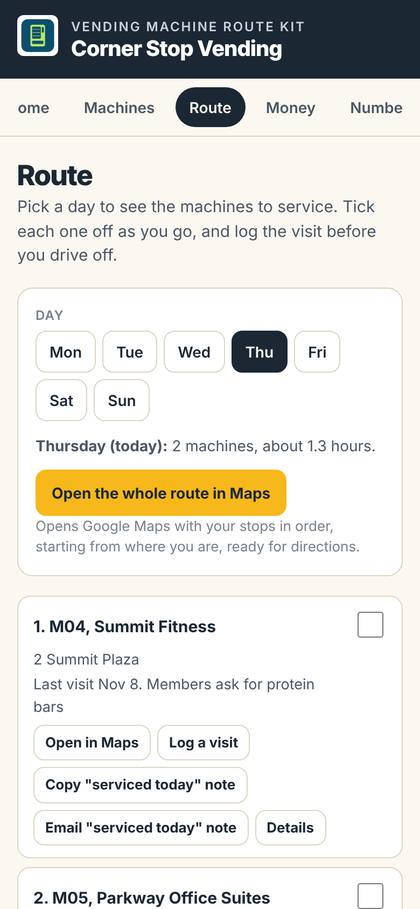
Every screen in the kit.
These are the real screens, shown with made-up sample data for Corner Stop Vending. Tap any screen to see it larger.
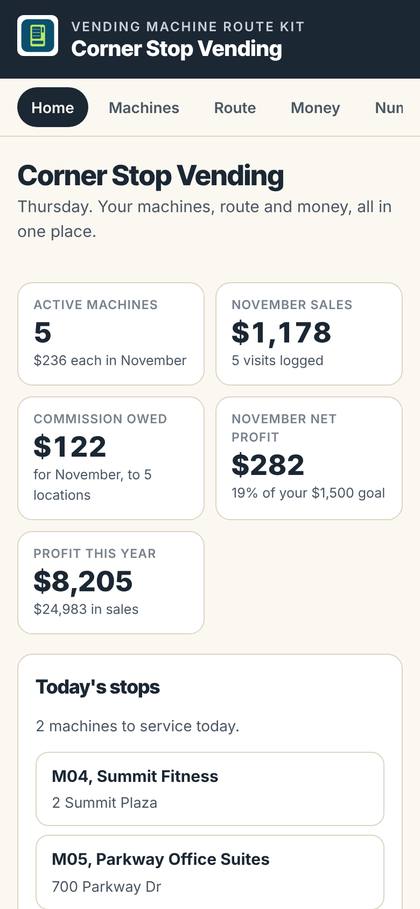
Home
- Active machines, this month's sales and commission owed
- Net profit this month and this year
- Today's stops and your best machines
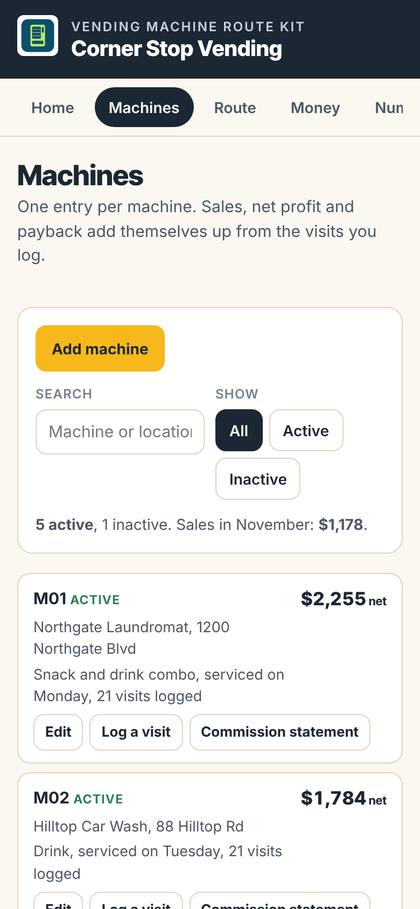
Machines
- Location, contact, machine type and service day
- Sales, net profit and months to pay back
- Log a visit or make a statement in one tap
Route
- The machines due each day, in your order
- Open the whole route in Google Maps
- Log the visit and send a "serviced today" note
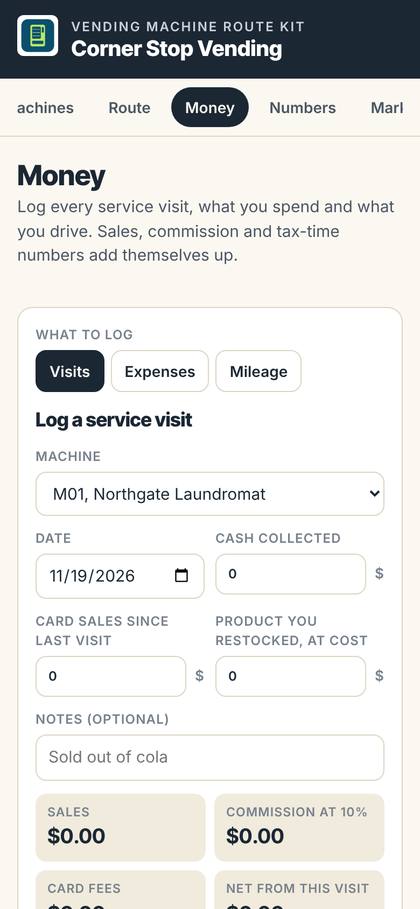
Money
- Log each visit: cash, card sales and product restocked
- Commission and card fees worked out for you
- Expenses and mileage for tax time
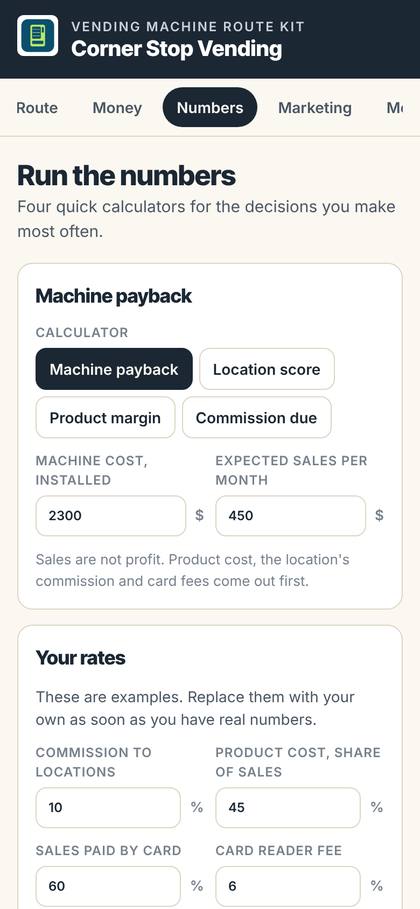
Numbers
- Machine payback in months
- Location score out of 100 from what you see on site
- Product margin and commission due
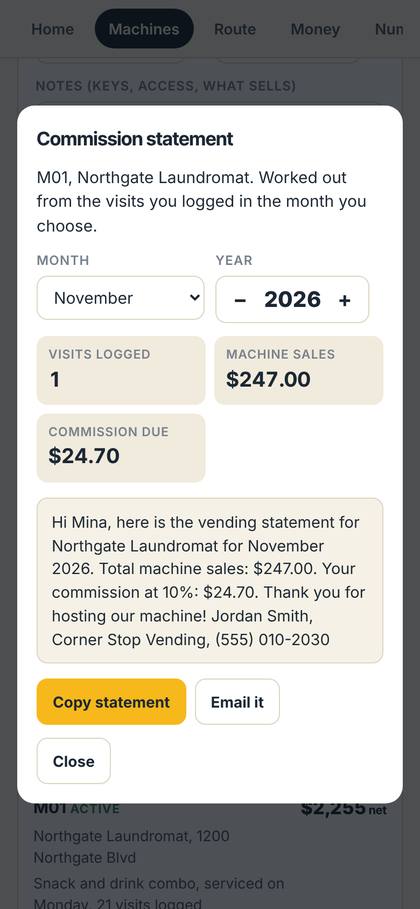
Commission statement
- Pick a machine and a month
- Sales and commission due in one statement
- Copy it or email it to the location
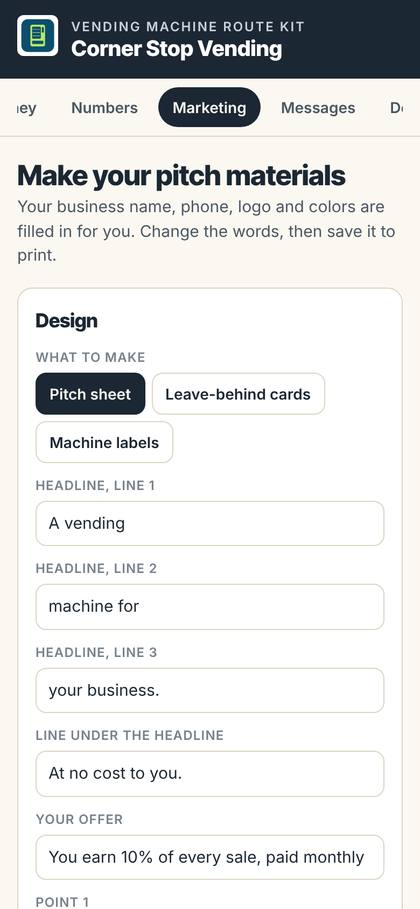
Marketing
- Pitch sheet, leave-behind cards and machine labels
- Filled in with your name, phone, logo and colors
- Save a PDF to print or a picture to post
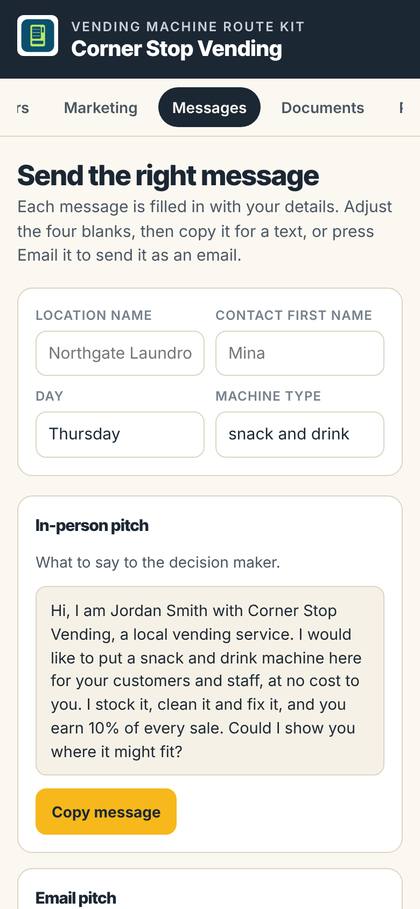
Messages
- Ready-written texts and emails for ten situations
- From the first pitch to a removal notice
- Copy for a text or open as an email
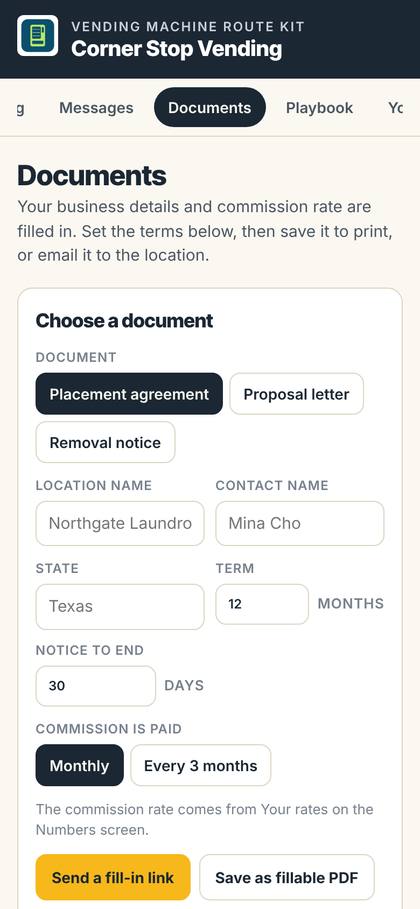
Documents
- Placement agreement, proposal letter and removal notice
- Save as a fillable PDF or a Word file
- Or send a fill-in link the location completes on their phone
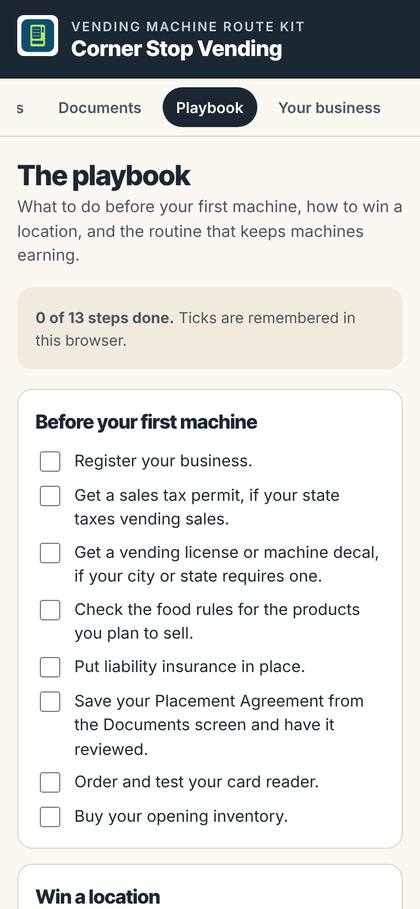
Playbook
- What to do before your first machine
- How to win a location, step by step
- A service routine and a startup cost list
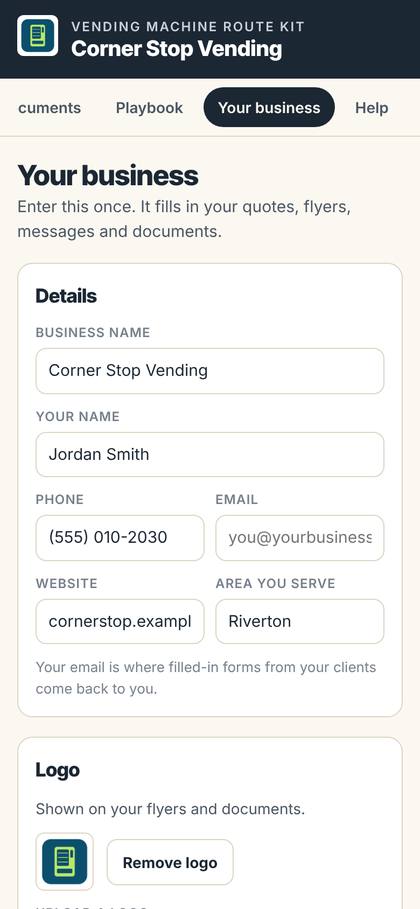
Your business
- Name, phone, email and website, entered once
- Upload your logo and pick your brand colors
- Your rates, goal and route times
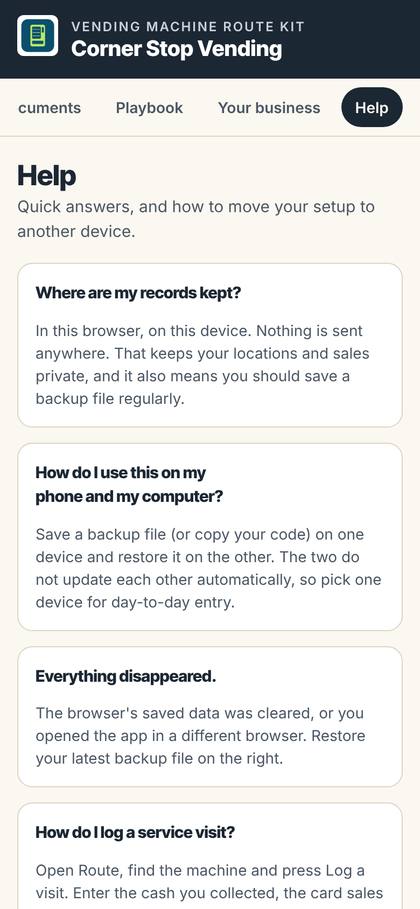
Help
- Save a backup file and restore it
- Export machines, visits and money to Excel
- Move your records to another device with a code
Placing a machine is the easy part. Keeping track is where routes go wrong.
Most new vending routes run on a notebook, a card reader app and memory. That works for two machines. It falls apart at ten.
Not knowing which machines pay
Cash in one pocket, card sales in an app, restock receipts in the glove box.
Vending Kit fixes it
Log each service visit: cash, card sales and what you restocked. Every machine shows its sales, net profit and how close it is to paying for itself.
Commission math every month
Working out each location's cut by hand and hoping it matches their numbers.
Vending Kit fixes it
Commission and card fees are worked out for you. A statement for any machine and month is ready to copy or email to the location.
Picking locations on gut feel
A spot looks busy, so you sign up and hope.
Vending Kit fixes it
The location scorer rates a spot out of 100 from what you observe on site, and the payback calculator shows how long a machine there would take to pay for itself, using your own numbers.
Pitching with nothing in hand
You walk in to talk to a manager with no pitch, no card and no agreement.
Vending Kit fixes it
A pitch sheet, leave-behind cards and machine labels with your name, logo and colors, plus a placement agreement, proposal letter and removal notice they can fill in.
A route that lives in your head
Which machines are due today, and in what order?
Vending Kit fixes it
Pick a day and see the machines to service in your order. Open the whole route in Google Maps, log the visit before you drive off, and send a "serviced today" note.
Your logo. Your colors. On everything.
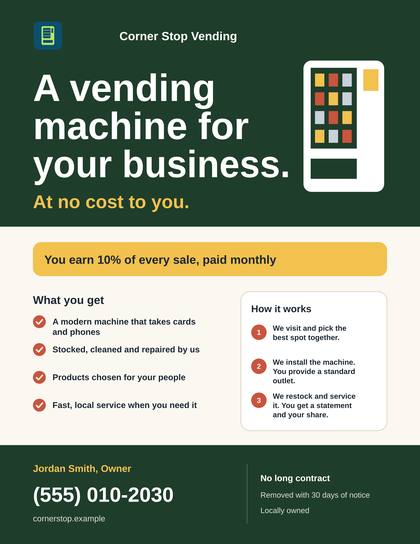
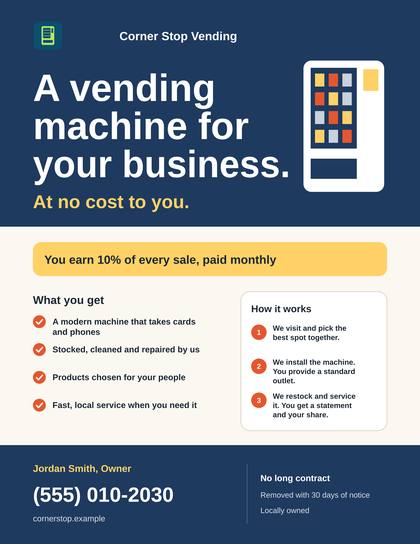
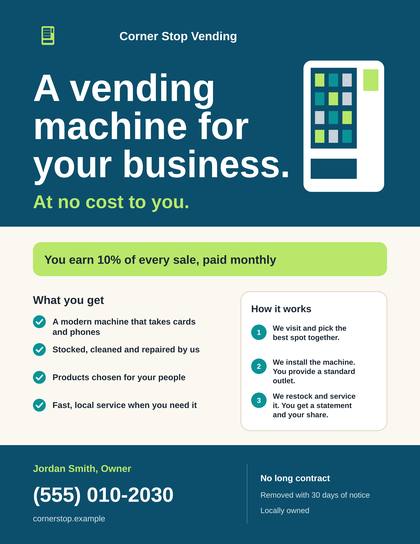
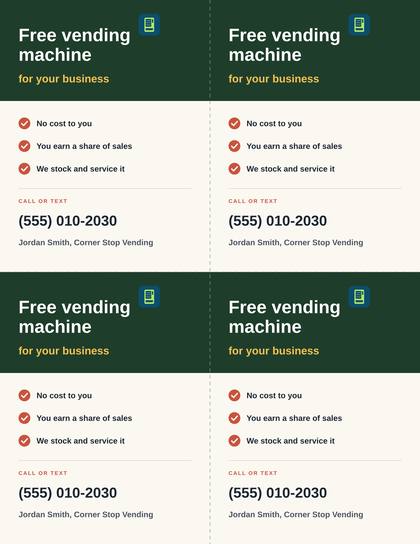
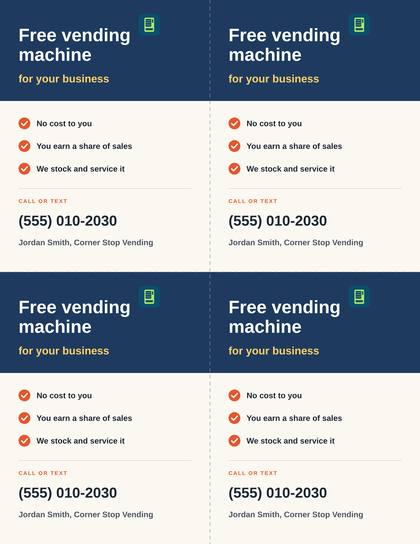
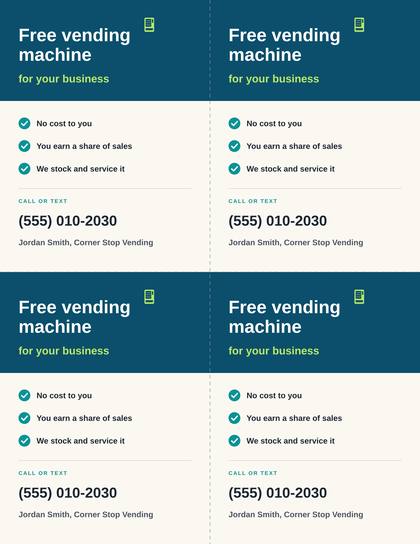
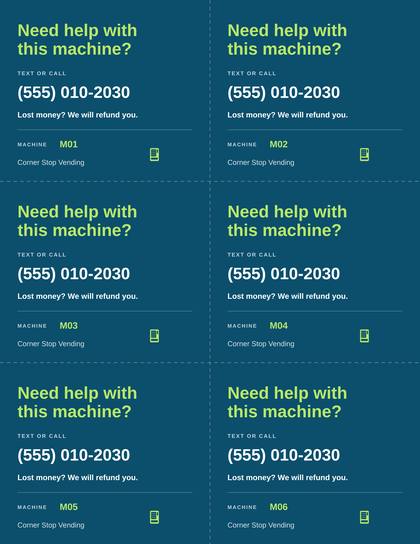
Upload your logo and pick your colors once. Each design below is shown in three color schemes, filled in with sample details; yours fill in with your name, phone number.
Pitch sheet
One page to leave with a manager
Leave-behind cards
Four per sheet, with your number
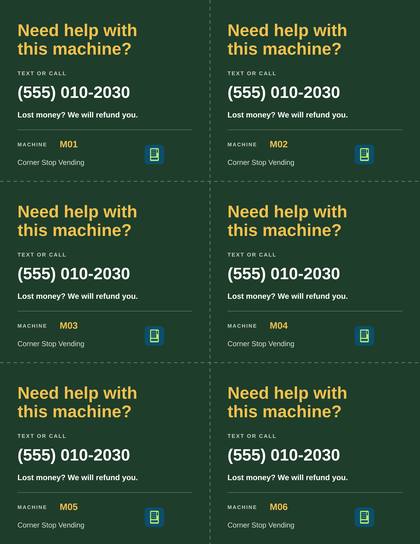
Machine labels
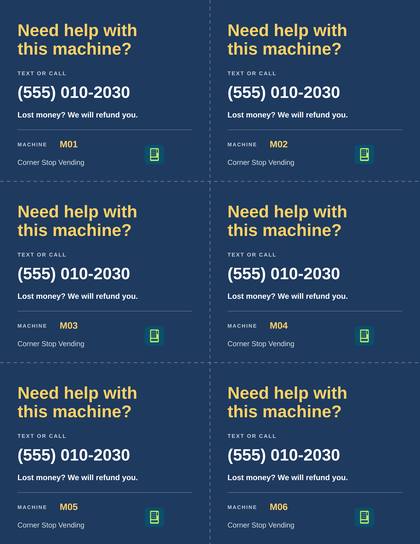
Six per sheet, for refunds and service
The real paperwork, page one.
Every document comes filled in with your business details. Send it as a fillable PDF, a Word file anyone can edit, or a fill-in link your location completes on their phone and emails back to you.
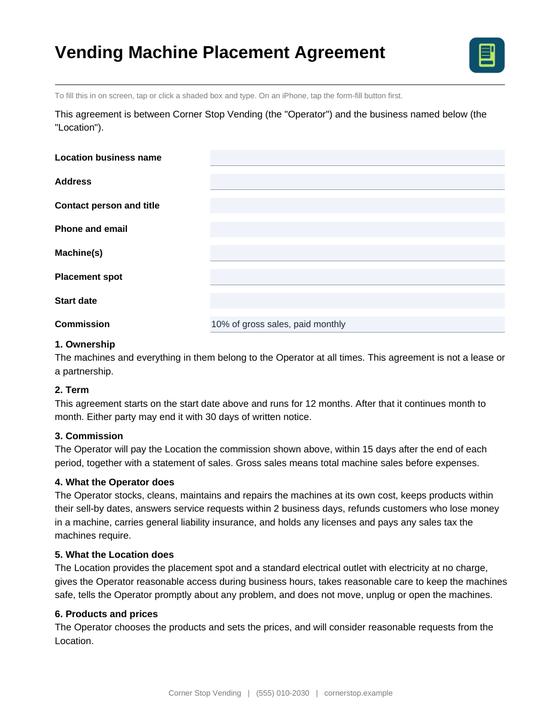
Placement agreement
Fillable PDF and Word
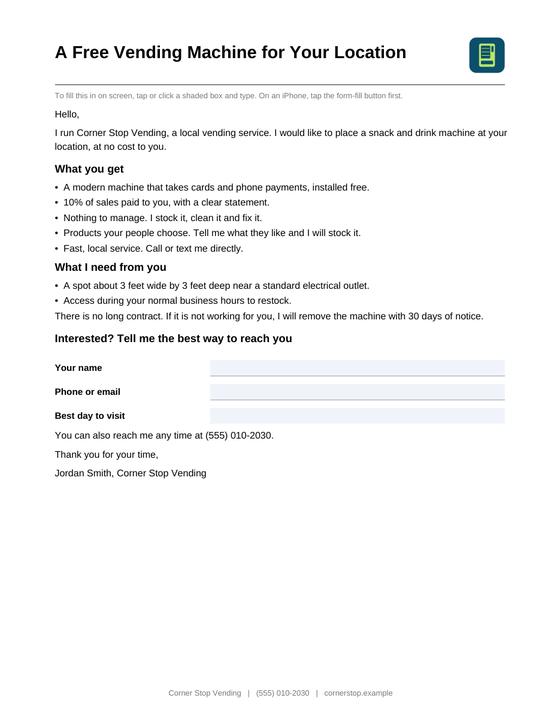
Proposal letter
Fillable PDF and Word
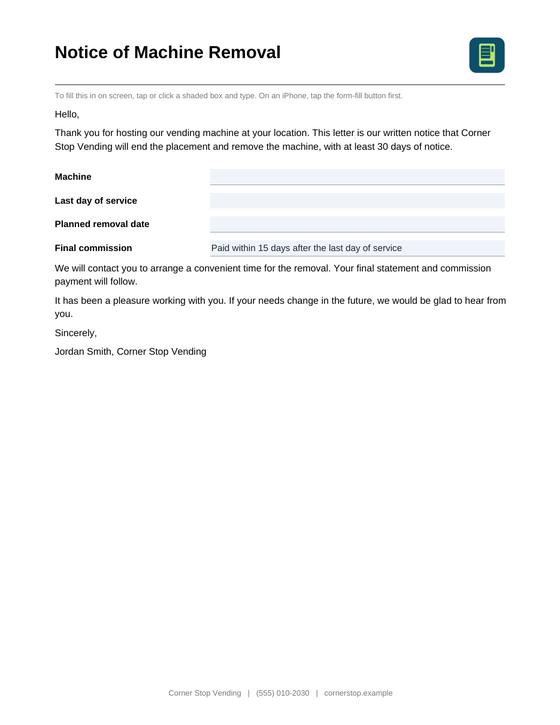
Removal notice
Fillable PDF and Word
General templates, not legal advice. Have a local attorney review an agreement before you use it.
Try it before you buy it.
Open the live demo with sample data for Corner Stop Vending. Tap through every screen on your phone or computer. Nothing you type is saved.
Three files, ready the moment you check out.
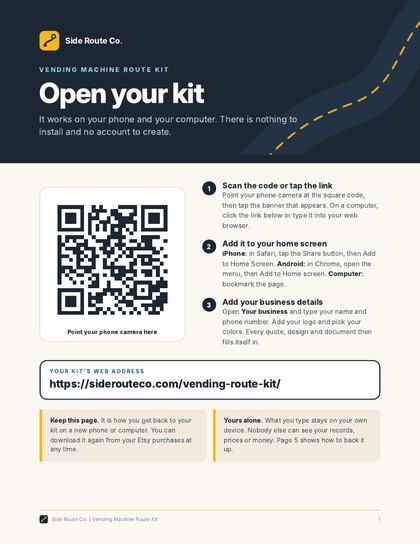
Start Here: Open Your Kit
Your link and QR code on page 1, then a short guide to every screen and to keeping your records safe.
Offline copy for computers
The whole kit as one file that runs on a computer with no internet at all.
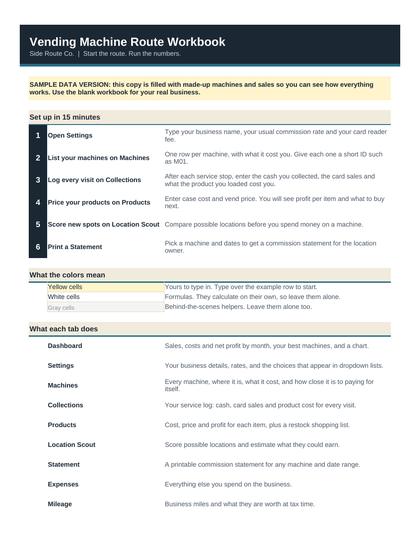
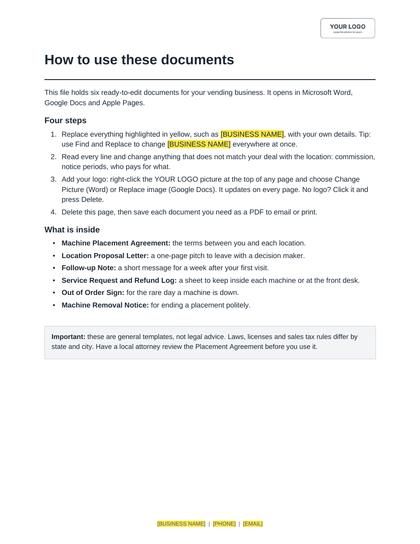
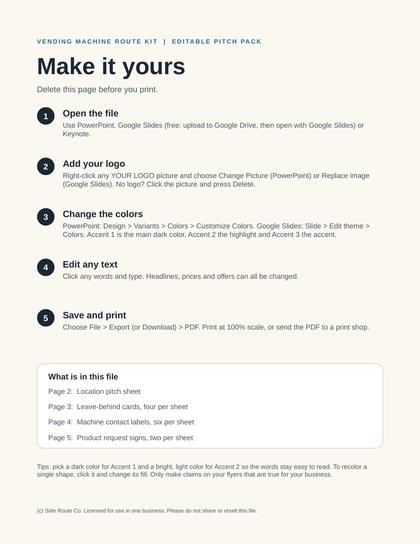
Bonus editable files (optional)
For people who like Office: route workbook in Excel (blank and with sample data), location agreement and letters in Word, and the location pitch pack in PowerPoint and as a fill-in PDF. You do not need them; the kit already covers all of it.
Buy on Etsy
Check out with Etsy as usual. Your download is ready right away.
Scan or tap
Open the Start Here page. Scan the code with your phone or tap the link.
Make it yours
Add your business name, logo and colors. Look around the sample data first if you like.
Start working
Clear the sample data and add your first machine.
Works wherever you work.
Phone and computer
Opens in Safari, Chrome or Edge on a phone, a tablet or a computer.
No app store, no account
Nothing to install and nothing to sign in to. Scan the code or tap the link.
Works with no signal
After the first visit it opens offline, in a back yard or a basement.
No subscription
One price, paid once on Etsy. Improvements reach your link at no charge.
One kit instead of five separate fixes.
Here is how the kit compares with piecing it together yourself.
| What you need | Piecing it together | With the Vending Kit |
|---|---|---|
| Tracking sales per machine | A notebook or a spreadsheet you build yourself | Machines and Money screens, worked out for you |
| Commission statements | Calculated by hand each month | A statement for any machine and month |
| Choosing locations | Gut feel | Location score and payback calculator with your own numbers |
| Pitch materials | Design them yourself or pay a designer | Pitch sheet, cards and labels with your logo |
| Placement agreement | Write your own or buy a template separately | Agreement, proposal letter and removal notice |
| What it costs over time | Route software often charges every month | One-time $29. No subscription |
This kit is for you if
- You are starting a vending route, or have a few machines already
- You service machines yourself and want the numbers per machine
- You want a professional pitch when you walk into a business
- You pay locations a commission and want statements without the math
It is not the right fit if
- You need telemetry that reads sales from the machine automatically (you type in your card reader totals)
- You run a large fleet with staff and need multi-user software
- You are looking for a guaranteed income plan. Nobody can honestly sell that
Frequently asked questions
Do I need to download an app?
No. The kit opens in Safari, Chrome or Edge, like a website. There is no app store, no account, no sign-in and no subscription. On a phone you can add it to your Home Screen so it opens with one tap, full screen.
Does it work on my phone and my computer?
Yes. It works on a phone, a tablet and a computer. Each device keeps its own copy of your records. A backup file or a copy-and-paste code moves them from one device to another. They do not update each other automatically.
I have an iPhone. Anything I should know?
Add the kit to your Home Screen before you enter anything. On an iPhone the Home Screen icon keeps its own records, separate from the browser. The kit walks you through it, and if you already started in the browser it moves your records across in one step.
Where are my machines, visits and money kept?
On your own device, not on a server. Nobody else can see them, us included. The kit has a backup file, a restore button and an Excel export, and it reminds you to back up.
Does it work without a signal?
Yes, after the first time you open it. Handy in a back yard or a basement. You need the internet to open it the first time and to send emails.
Can my locations fill in the paperwork?
Yes, three ways: a fillable PDF they can type into, a Word file anyone can edit, or a fill-in link they open on any phone or computer and send back to you by email.
Can I change the wording of the documents?
Yes. Set your own terms on the Documents screen, save any document as a Word file and edit every word, or copy the text into any editor.
Can I use my own logo and colors?
Yes. Upload your logo and pick your colors once. Every pitch sheet, card, label and document follows.
Will it find locations for me?
No. It helps you judge a location you have found. The location score and payback estimates are rules of thumb built on your own observations, so use them to compare spots, not as a forecast.
Is the agreement legal advice?
No. The documents are general templates. Laws differ by state, so have a local attorney review an agreement before you use it.
What if you improve the kit later?
The link in your download always opens the latest version. Your records stay where they are.
Can I get a refund?
Because this is an instant digital download, all sales are final. You can download your files again at any time from your Etsy account.
Spend your time on locations, not on spreadsheets.
Everything above, for a one-time $29. No subscription.
Running a pet waste route instead? See the Pet Waste Kit.